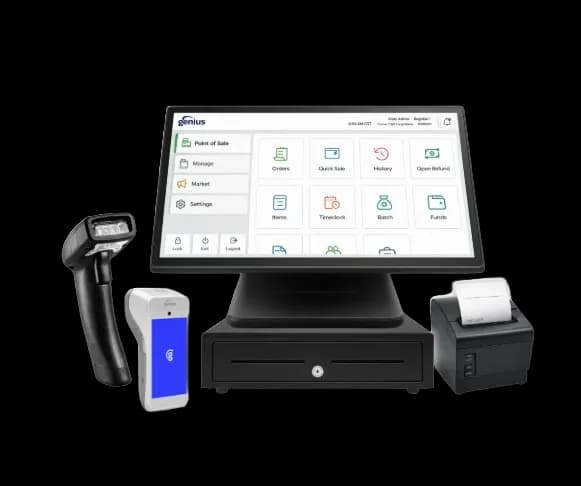
Restaurant POS
Genius Restaurant
A streamlined restaurant POS system presented by AMP for fast-paced food-service environments.

Payment & business solution
Coordinate menu setup, modifiers, coursing, kitchen routing, tables or counter service, tips, checks, payments, online orders, and end-of-day reporting in one restaurant operating flow. Compare merchant fit, implementation steps, limitations, and complete-cost variables before selecting a provider.
POS systems available through AMP
AMP currently presents these restaurant and retail POS options. Product availability, included hardware, software fees, features, installation, and processing requirements must be confirmed in a written proposal.
Restaurant POS
A streamlined restaurant POS system presented by AMP for fast-paced food-service environments.
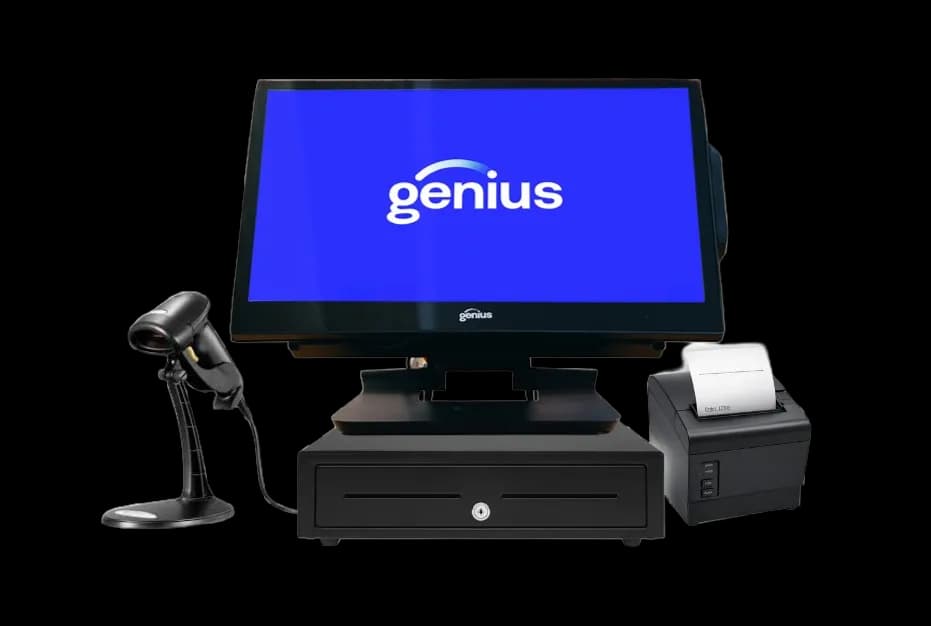
Retail POS
A retail POS system presented by AMP for configurable checkout, inventory, customer insights, and reporting.
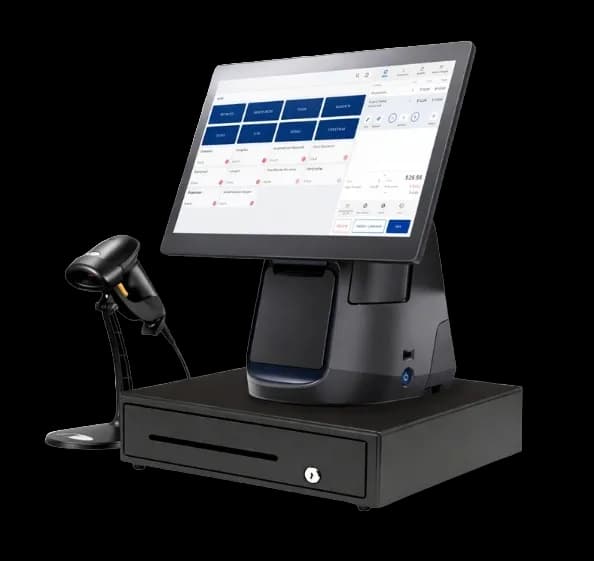
Cloud Retail POS
A cloud-based POS system presented by AMP for modern retail and specialty-store operations.
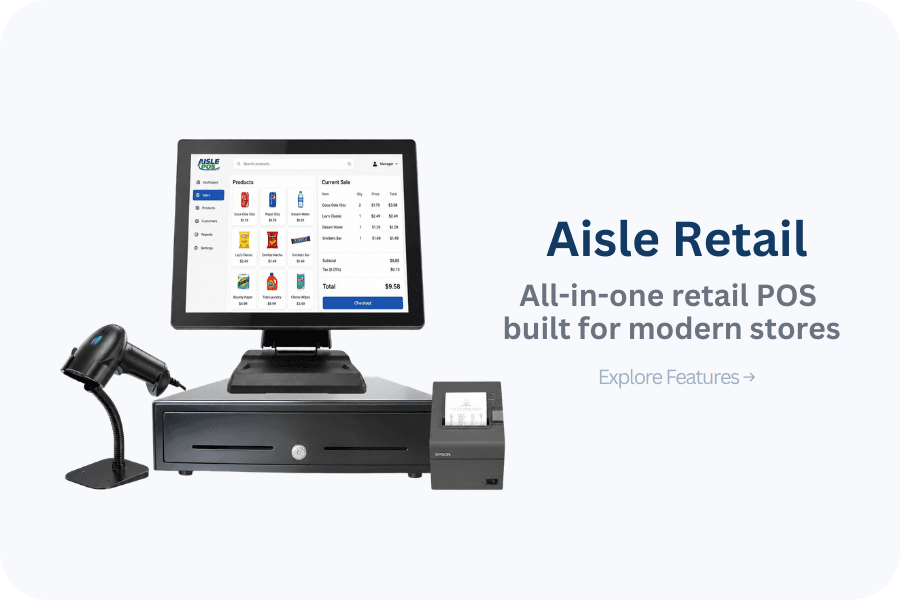
Retail POS
A modern retail POS system presented by AMP for sales, inventory, loyalty, gift cards, and multi-location oversight.
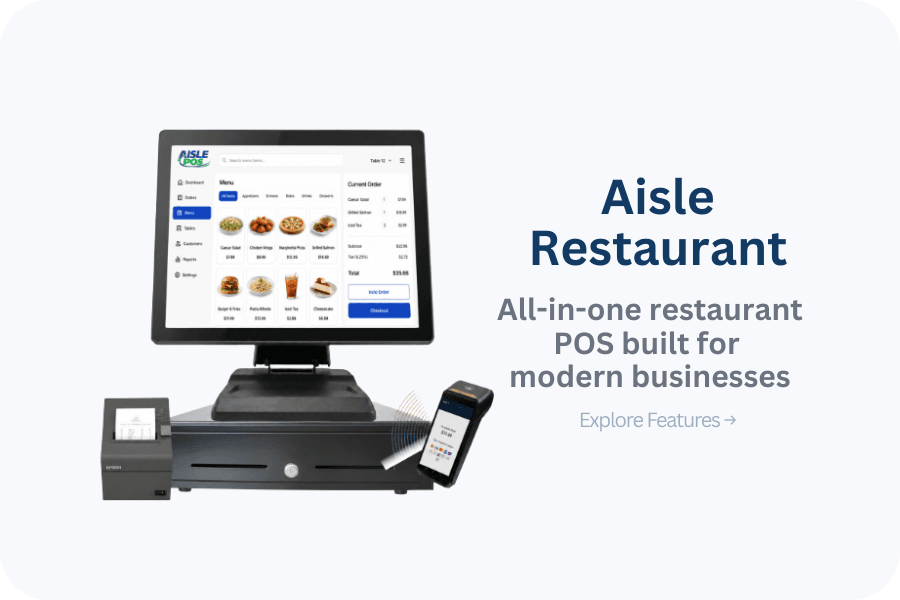
Restaurant POS
A restaurant POS system presented by AMP for integrated payments, tableside service, digital ordering, and kiosks.
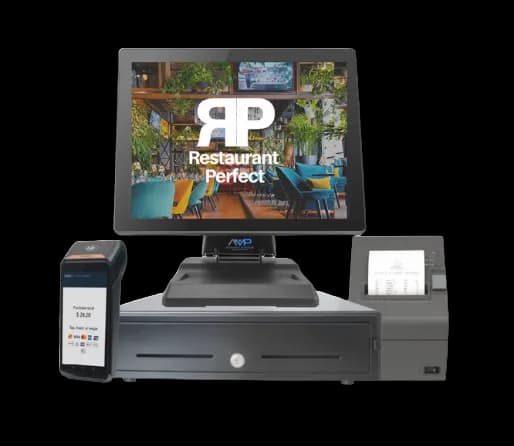
Restaurant POS
A restaurant-focused POS option currently presented on AMP's main website.
Plain-language definition
Restaurant POS is an order-and-payment system configured for a restaurant's service model, kitchen production, menu complexity, staff roles, and sales channels.
Day-to-day workflow
Staff open or create an order, apply required modifiers, route items to the correct production station, manage holds or courses, adjust or split the check under permissions, accept payment, close tips where applicable, and reconcile cash, card batches, voids, comps, gift cards, and digital-order deposits.
Implementation
The implementation requirement is specific: service model, menu and modifier hierarchy, kitchen stations, printers or displays, table map, tip policy, staff permissions, online and delivery channels, network design, accounting exports, and migration scope. AMP can document dependencies and questions, but the merchant and applicable providers must confirm compatibility, account approval, responsibilities, testing, training, and support in writing.
Complete cost
stations, handhelds, kitchen displays, printers, networking, and installation; software by location or device; online ordering, delivery, loyalty, gift card, payroll, and accounting modules; processing, support, migration, training, and contract terms Compare recurring, transaction-based, one-time, optional, and exit costs separately. A proposal is incomplete if it omits equipment ownership, software term, support scope, or cancellation obligations.
Failure planning
A restaurant POS breaks down when modifiers route incorrectly, menus drift across channels, offline behavior is unknown, tip adjustments miss cutoff, devices share weak connectivity, permissions are too broad, or digital deposits cannot be reconciled to orders.
Decision guide
Compare systems using a live menu and real service scenarios—not a generic demo. Test a rush, modifiers, split checks, refunds, offline behavior, kitchen rerouting, tip closeout, and digital-order reconciliation before judging hardware appearance or one monthly price.
Know before you decide
Complete-cost view
Only a written proposal and agreement can establish actual pricing and terms.
Owner questions
Use the real menu to test modifiers, coursing, holds, table transfers, split checks, comps, voids, tips, refunds, kitchen rerouting, online orders, offline behavior, closeout, and deposit reconciliation during a simulated rush.
Map each item and modifier to its production station, then test edits, voids, duplicate prevention, course timing, device failure, and rerouting. Front-of-house payment success does not prove the kitchen received an accurate ticket.
Menus, modifier groups, taxes, table maps, employee roles, gift cards, customer records, open checks, reporting history, and integrations may have different portability. Confirm who cleans, imports, validates, and retains each dataset.
Stations, handhelds, kitchen hardware, printers, networking, software modules, online ordering, delivery connectors, processing, installation, menu setup, migration, training, support, supplies, replacements, and contract terms all affect the total.
Published 2026-08-03 · Modified
AMP-controlled product catalog approved as the first-party source for listed POS capabilities; final configuration still requires written confirmation. Source reviewed .
Approved first-party implementation guide for data, testing, cutover, and fallback planning. Source reviewed .
Government operational reference for retail food establishments; local adoption varies. Source reviewed .
Share the current process, the constraint you need to remove, and the systems that must remain. AMP can return a scoped next step without treating a headline rate or feature list as a complete recommendation.