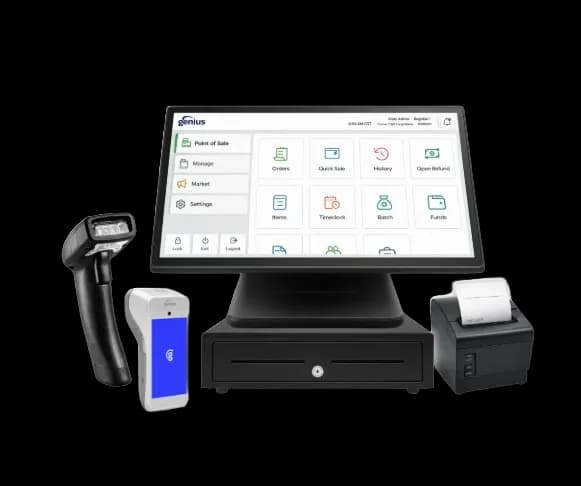
Restaurant POS
Genius Restaurant
A streamlined restaurant POS system presented by AMP for fast-paced food-service environments.

Payment & business solution
Connect barcode or item checkout, catalog maintenance, inventory movement, returns, discounts, staff permissions, purchasing, and payment reporting for item-based retail. Compare merchant fit, implementation steps, limitations, and complete-cost variables before selecting a provider.
POS systems available through AMP
AMP currently presents these restaurant and retail POS options. Product availability, included hardware, software fees, features, installation, and processing requirements must be confirmed in a written proposal.
Restaurant POS
A streamlined restaurant POS system presented by AMP for fast-paced food-service environments.
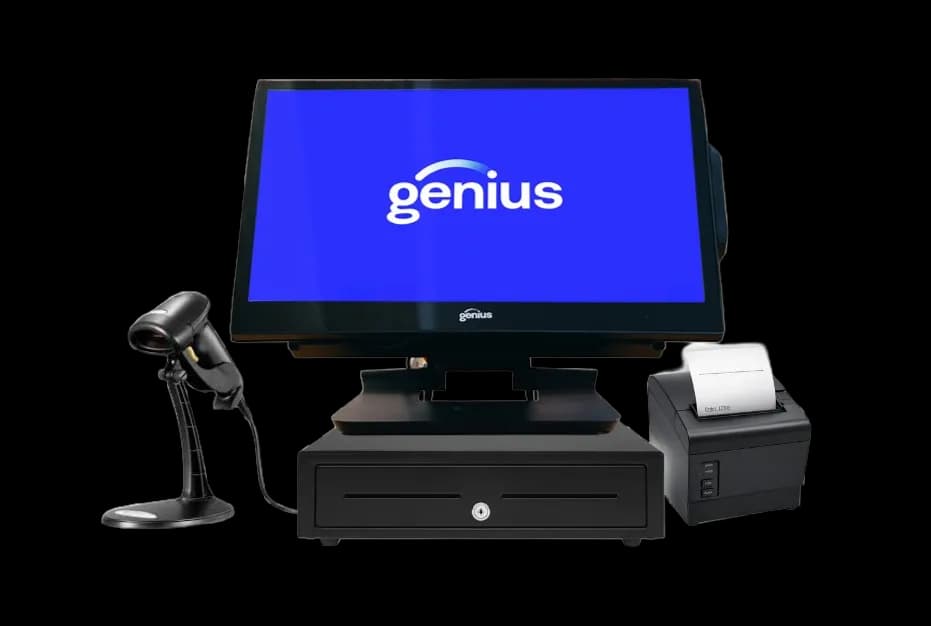
Retail POS
A retail POS system presented by AMP for configurable checkout, inventory, customer insights, and reporting.
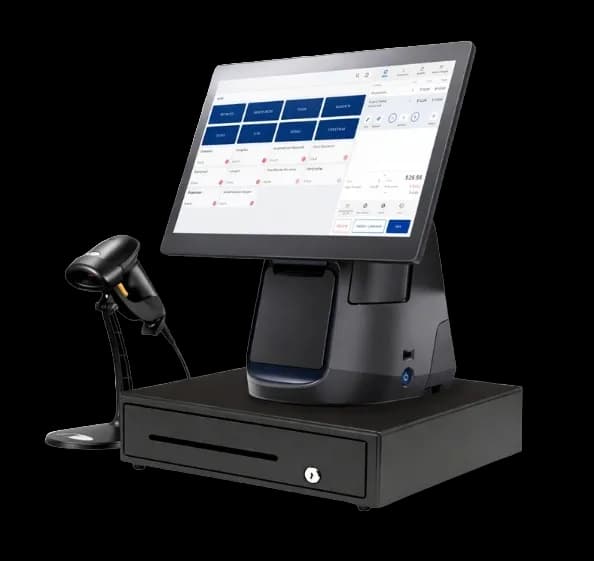
Cloud Retail POS
A cloud-based POS system presented by AMP for modern retail and specialty-store operations.
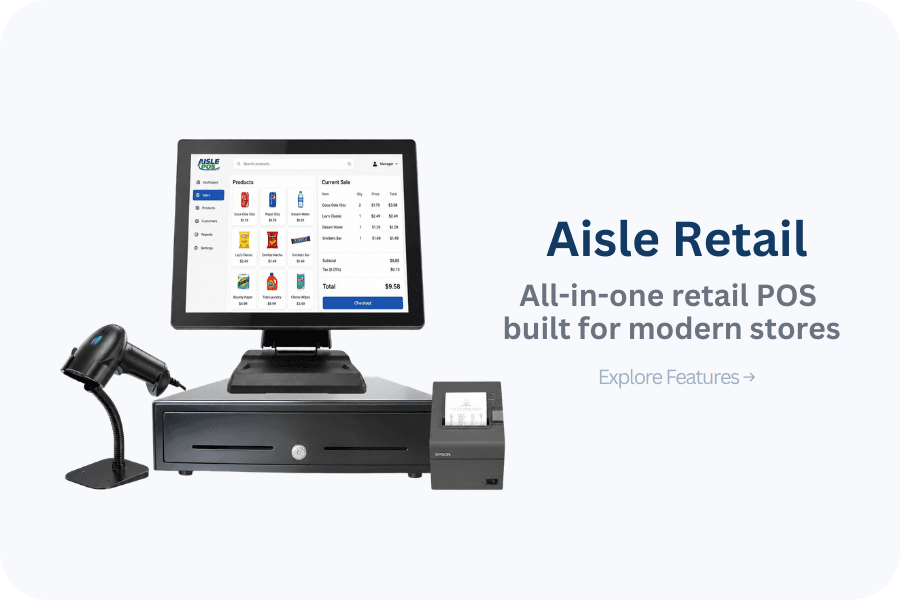
Retail POS
A modern retail POS system presented by AMP for sales, inventory, loyalty, gift cards, and multi-location oversight.
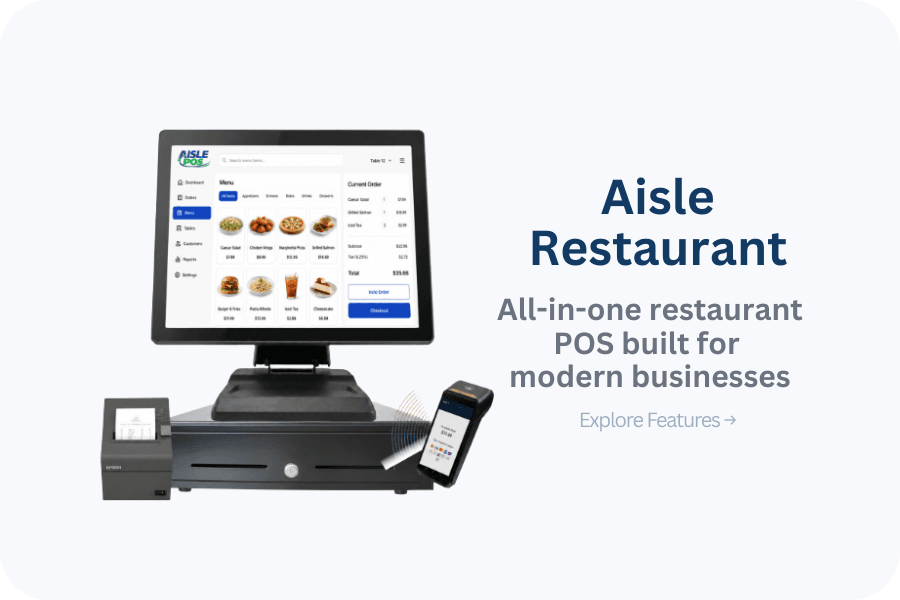
Restaurant POS
A restaurant POS system presented by AMP for integrated payments, tableside service, digital ordering, and kiosks.
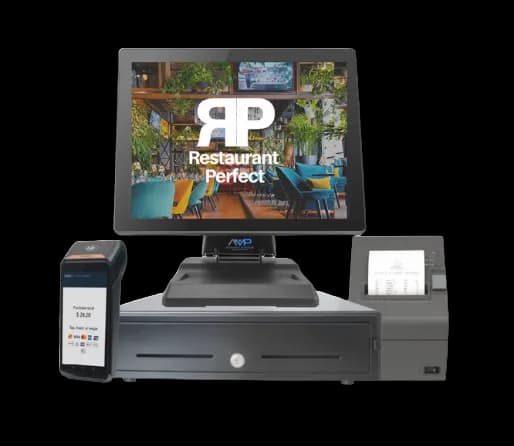
Restaurant POS
A restaurant-focused POS option currently presented on AMP's main website.
Plain-language definition
Retail POS is a checkout and inventory environment organized around products, quantities, locations, customer transactions, returns, and staff control.
Day-to-day workflow
A cashier scans or selects items, applies permitted discounts, takes payment, and issues a receipt while inventory updates. Managers receive stock, transfer or count goods, approve returns and overrides, investigate shrink, and reconcile tender totals to deposits and ecommerce activity.
Implementation
The implementation requirement is specific: SKU and variant count, barcode standards, units, vendors, locations, reorder workflow, return policy, tax categories, discount permissions, ecommerce synchronization, hardware, and data migration. AMP can document dependencies and questions, but the merchant and applicable providers must confirm compatibility, account approval, responsibilities, testing, training, and support in writing.
Complete cost
registers, scanners, printers, scales, and networking; software by register or location; inventory, ecommerce, loyalty, and accounting modules; processing, migration, installation, support, and contract terms Compare recurring, transaction-based, one-time, optional, and exit costs separately. A proposal is incomplete if it omits equipment ownership, software term, support scope, or cancellation obligations.
Failure planning
Retail implementations fail when duplicate SKUs enter migration, inventory sync is delayed, return permissions are broad, offline sales oversell stock, barcode hardware is incompatible, or ecommerce and store tax or pricing rules conflict.
Decision guide
Compare with a sample catalog containing variants, discounts, taxes, returns, transfers, and an out-of-stock scenario. A restaurant-first system may accept payment but still lack purchasing, item history, barcode, and location controls required by retail.
Know before you decide
Complete-cost view
Only a written proposal and agreement can establish actual pricing and terms.
Owner questions
Include variants, duplicate-looking SKUs, barcodes, units, vendors, tax categories, promotions, serialized or weighted items where relevant, and out-of-stock cases. Test receiving, transfer, sale, return, and count adjustments against that sample.
Measure sync timing among stores and ecommerce, reserve or decrement rules, canceled-order restoration, offline sales, returns, and conflict handling. A connector listing alone does not prove stock remains accurate during delays or failures.
Review role limits for discounts, price overrides, no-sale drawer opens, returns without receipt, voids, inventory adjustments, exports, and user administration. Reports should identify who performed each sensitive action and when.
Price registers, scanners, printers, scales, networking, software by location or register, inventory and ecommerce modules, processing, migration, installation, support, replacement, and contract terms over the same operating horizon.
Published 2026-08-03 · Modified
AMP-controlled product catalog approved as the first-party source for listed POS capabilities; final configuration still requires written confirmation. Source reviewed .
Approved first-party implementation guide for data, testing, cutover, and fallback planning. Source reviewed .
Primary standards-body background for merchant payment-data security responsibilities. Source reviewed .
Share the current process, the constraint you need to remove, and the systems that must remain. AMP can return a scoped next step without treating a headline rate or feature list as a complete recommendation.